Por el Equipo de Quédate.ca
El espacio, el computador, la conexión y el plan para problemas técnicos
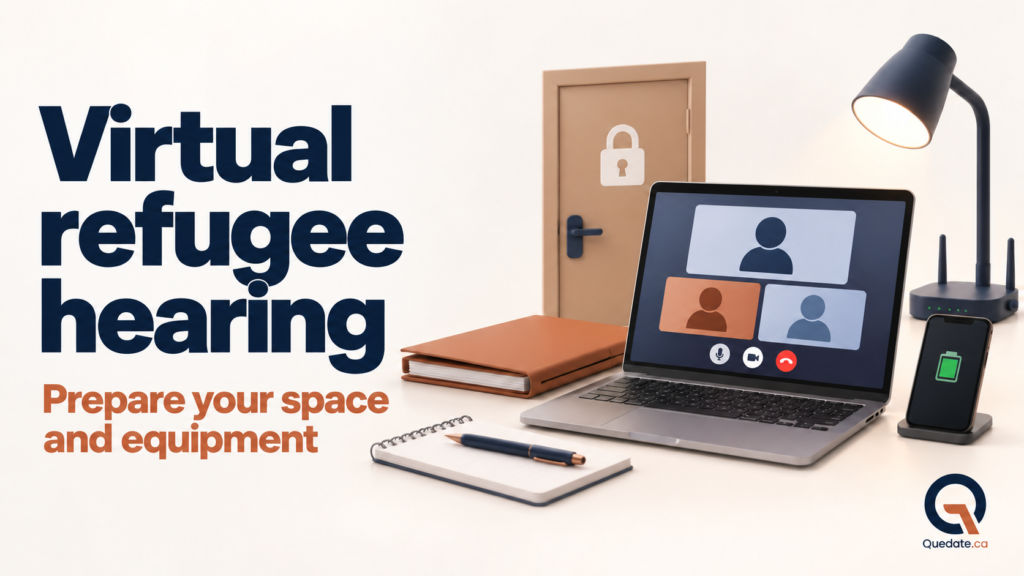
Las audiencias de la Refugee Protection Division, conocida como RPD, se programan de manera virtual por defecto. Eso significa que muchas personas participan por Microsoft Teams desde su casa, la oficina de su representante o un lugar privado.
Una audiencia virtual sigue siendo una audiencia oficial y privada. El lugar y el equipo deben ayudarte a escuchar, entender y responder sin interrupciones.
Dónde debes conectarte
Elige una habitación cerrada, privada y tranquila. Cierra la puerta y avisa a las personas de la casa que no deben entrar. Retira ruidos, televisión y notificaciones.
No te conectes desde un espacio público ni desde un lugar que no garantice privacidad y una conexión segura. La IRB advierte que no se deben usar redes públicas como las de los cafés. Además de las interrupciones, podrías exponer información sensible de tu caso.
Si no tienes un equipo adecuado o un lugar privado, puedes pedir usar el equipo de la IRB en una de sus oficinas. La guía indica que esta solicitud debe hacerse hasta 10 días hábiles antes de la audiencia; si se hace dentro de ese periodo, debes explicar por qué fue tardía.
Usa un computador como equipo principal
La recomendación de quedate.ca es usar un computador portátil o de escritorio con cámara, micrófono y parlantes que funcionen bien. Una pantalla grande facilita ver a los participantes y consultar un documento cuando el miembro lo permita.
La información técnica de la IRB menciona otros dispositivos y permite usar un teléfono como respaldo. Sin embargo, evita depender de un celular o una tableta como equipo principal: la pantalla es pequeña, la batería puede agotarse y una llamada o notificación puede interrumpir.
Mantén el computador conectado a la corriente durante toda la audiencia. Desactiva notificaciones y cierra programas que puedan usar la cámara, el micrófono o el internet.
Prepara Microsoft Teams
La RPD realiza las audiencias virtuales por Microsoft Teams. Instala la aplicación con anticipación. La guía indica que la aplicación suele ofrecer una mejor experiencia que la versión del navegador.
Abre el enlace antes del día de la audiencia y comprueba que Teams reconoce la cámara, el micrófono y los parlantes. Aprende a usar los botones de cámara, micrófono, chat y levantar la mano.
Revisa la conexión a internet
Necesitas una conexión estable y segura. La guía de la RPD señala que, normalmente, la velocidad debe ser de al menos 1.5 Mbps para una videoconferencia confiable.
Haz una prueba desde la misma habitación y a la misma hora aproximada en que será la audiencia. Si es posible, conéctate por cable al router. Si usas Wi-Fi, ubícate cerca y pide que otras personas no descarguen archivos ni vean videos durante la audiencia.
Cuida la iluminación y la cámara
Coloca la cámara a la altura de tus ojos y apoya el computador sobre una superficie estable. La luz debe venir de frente o de un lado suave. No te sientes con una ventana brillante detrás porque tu cara puede quedar oscura.
Prueba el encuadre antes. Deben verse bien tu cara y la parte superior de tu cuerpo. Usa un fondo sencillo y evita filtros virtuales que puedan distraer.
Ten tus documentos listos
Debes tener una copia completa y con las mismas páginas de los documentos que poseen la RPD y tu representante. Incluye tu BOC, la Notice to Appear y las pruebas enviadas.
Ordénalos antes de empezar. No leas del BOC ni de notas durante la audiencia sin obtener permiso del miembro. Si el miembro te pide buscar una página, tómate el tiempo necesario y confirma el número.
Qué ocurre al comenzar
Conéctate 15 minutos antes de la hora indicada. Entrarás a una sala de espera virtual hasta que un empleado de la RPD te permita ingresar.
Normalmente, durante el registro o check-in, el empleado verifica que todo funcione y puede darte un número para llamar si se cae la videoconferencia. Al inicio, el miembro también confirma que el audio y el video tienen calidad suficiente. Si usas intérprete, hablarás con esa persona antes de comenzar para comprobar que se entienden.
Anota el teléfono indicado durante el check-in y revisa también el número que aparece en tu Notice to Appear. Déjalo visible, junto con tu número de expediente.
Qué hacer si se cae la conexión
No entres en pánico. La guía de la RPD indica estos pasos:
- Intenta entrar de nuevo usando el mismo enlace.
- Si no funciona, intenta conectarte desde el dispositivo de respaldo.
- Llama al número que te dio el personal durante el check-in o al número de tu Notice to Appear.
- Informa a tu representante o al Registry Officer si no puedes regresar.
La audiencia se pausa mientras intentan restablecer la conexión. Si el audio se corta, la imagen se congela o no escuchaste una parte, dilo de inmediato. No respondas una pregunta que no oíste completa.
Privacidad y grabación
No grabes la audiencia, no tomes fotografías y no hagas capturas de pantalla. La IRB realiza la grabación oficial. Las personas que participan, observan o declaran tienen prohibido hacer su propia grabación.
No permitas que alguien permanezca fuera de cámara escuchando. Si habrá una persona de apoyo u observador, informa a la RPD y sigue las instrucciones para que sea identificado.
Lista del día anterior
- Computador cargado y conectado a la corriente.
- Microsoft Teams instalado y enlace probado.
- Cámara, micrófono y parlantes funcionando.
- Internet estable y sin red pública.
- Habitación privada, puerta cerrada y buena iluminación.
- Documentos completos y ordenados.
- Teléfono cargado como respaldo y números de contacto visibles.
- Agua y cualquier medicamento necesario a mano.
Conclusión
La tecnología no debe ocupar tu atención durante la audiencia. Si preparas el espacio, el computador y el plan de respaldo, podrás concentrarte en escuchar y responder.
Haz una prueba completa varios días antes. Si no tienes un lugar privado o equipo adecuado, consulta cuanto antes la opción de usar las instalaciones y el equipo de la IRB.
Frequently asked questions
¿Puedo hacer la audiencia desde una cafetería?
No es recomendable y la RPD indica que no deben usarse redes públicas como las de cafés. Necesitas un espacio privado y seguro.
¿Puedo usar el teléfono?
La guía contempla otros dispositivos y el teléfono puede servir como respaldo. Para quedate.ca, la recomendación es usar un computador como equipo principal.
¿Qué hago si no tengo computador o lugar privado?
Contacta a la RPD con anticipación para pedir usar su equipo en una oficina o para consultar la opción que corresponda.
Consulta la información oficial
- IRB: Guía para audiencias virtuales de la RPD
- IRB: Paso 6, asistir a la audiencia
- IRB: Paso 3, prepararse para la audiencia
Da el siguiente paso en tu preparación
Conoce el sistema integral de preparación de quedate.ca para trabajar tu BOC, narrativa, pruebas, preguntas difíciles, intérprete, comunicación y participación en la audiencia.
Conoce el sistema integral de preparación
Aviso importante: Este artículo fue preparado por el Equipo de Quédate.ca con fines exclusivamente educativos e informativos. No constituye asesoría legal, no crea una relación abogado-cliente o consultor-cliente y no sustituye el análisis individual de un representante legal autorizado. Las leyes, reglamentos, políticas y procedimientos de inmigración y refugio en Canadá pueden cambiar. Antes de actuar o tomar una decisión, verifica la legislación vigente y la información oficial aplicable a tu situación y, cuando corresponda, obtén asesoría profesional autorizada.
By the Quedate.ca Team
Your space, computer, connection and plan for technical problems
Hearings at the Refugee Protection Division, known as the RPD, are scheduled as virtual hearings by default. This means that many people participate through Microsoft Teams from home, their representative’s office or another private location.
A virtual hearing is still an official, private hearing. Your location and equipment should help you listen, understand and respond without interruptions.
Where to connect from
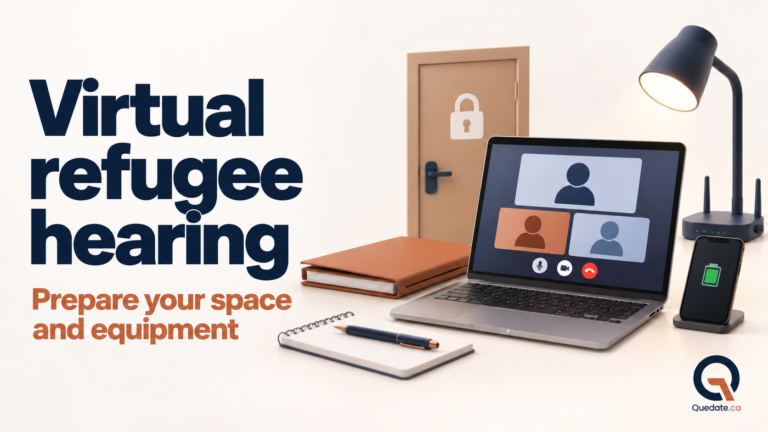
Choose an enclosed, private and quiet room. Close the door and let others in your home know that they should not come in. Eliminate noise, turn off the television and silence notifications.
Do not connect from a public space or somewhere that cannot provide privacy and a secure connection. The IRB warns against using public networks such as those in cafés. As well as interruptions, you could expose sensitive information about your case.
If you do not have suitable equipment or a private location, you can request to use IRB equipment at one of its offices. The guide says to make this request no later than 10 working days before the hearing; if you make it within that period, you must explain why it is late.
Use a computer as your main device
Quedate.ca recommends using a laptop or desktop computer with a working camera, microphone and speakers. A large screen makes it easier to see participants and consult a document when the member allows it.
The IRB’s technical information mentions other devices and allows a phone to be used as a backup. However, avoid relying on a phone or tablet as your main device: the screen is small, the battery may run out, and a call or notification could interrupt you.
Keep your computer plugged in throughout the hearing. Turn off notifications and close programs that may use your camera, microphone or internet connection.
Set up Microsoft Teams
The RPD holds virtual hearings through Microsoft Teams. Install the application ahead of time. The guide says that the app generally provides a better experience than the browser version.
Open the link before the hearing day and check that Teams recognizes your camera, microphone and speakers. Learn how to use the camera, microphone, chat and raise hand buttons.
Check your internet connection
You need a stable, secure connection. The RPD guide says your network speed should normally be at least 1.5 Mbps for reliable videoconferencing.
Test your connection from the same room and at roughly the same time of day as the hearing. If possible, connect to the router by cable. If you use Wi-Fi, sit nearby and ask others not to download files or watch videos during the hearing.
Check your lighting and camera
Place your camera at eye level and your computer on a stable surface. Light should come from in front of you or softly from the side. Do not sit with a bright window behind you, as your face may appear dark.
Test the camera framing beforehand. Your face and upper body should be clearly visible. Use a simple background and avoid virtual filters that could be distracting.
Have your documents ready
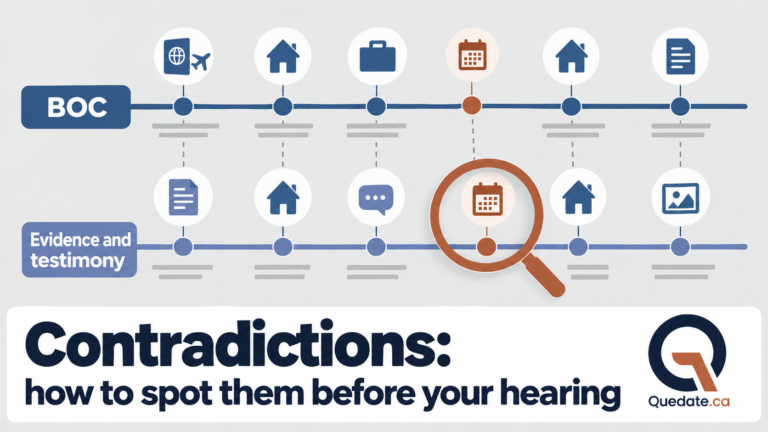
You must have a complete copy of the documents, with the same pages as those held by the RPD and your representative. Include your BOC, Notice to Appear and the evidence you submitted.
Organize them before you begin. Do not read from your BOC or notes during the hearing without permission from the member. If the member asks you to find a page, take the time you need and confirm the page number.
What happens at the start
Connect 15 minutes before the scheduled time. You will enter a virtual waiting room until an RPD employee lets you in.
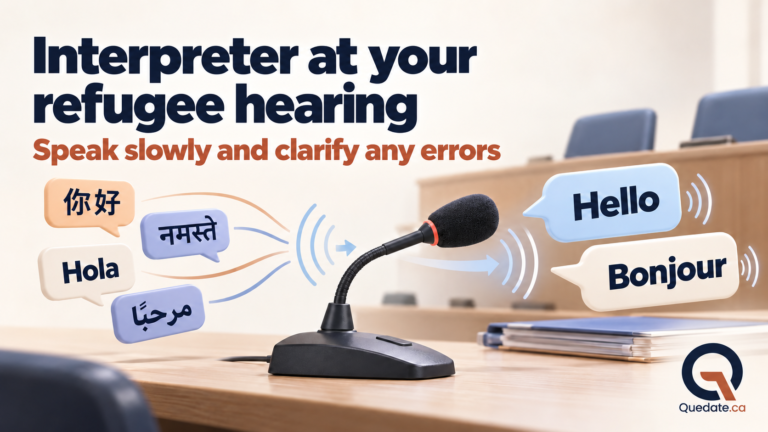
During check-in, the employee usually checks that everything works and may give you a phone number to call if the videoconference disconnects. At the start, the member also confirms that the audio and video quality is adequate. If you are using an interpreter, you will speak with that person before the hearing begins to check that you understand each other.
Write down the phone number provided during check-in and also check the number on your Notice to Appear. Keep it visible, along with your file number.
What to do if your connection drops
Do not panic. The RPD guide sets out these steps:
- Try joining again using the same link.
- If that does not work, try connecting from your backup device.
- Call the number staff gave you during check-in or the number on your Notice to Appear.
- Tell your representative or the Registry Officer if you cannot rejoin.
The hearing is paused while they try to restore the connection. If the audio cuts out, the image freezes or you miss something, say so immediately. Do not answer a question you did not hear in full.
Privacy and recording
Do not record the hearing, take photographs or take screenshots. The IRB makes the official recording. Participants, observers and witnesses are prohibited from making their own recordings.
Do not let someone remain off camera listening. If a support person or observer will be present, inform the RPD and follow its instructions so that the person can be identified.
Checklist for the day before
- Computer charged and plugged in.
- Microsoft Teams installed and the link tested.
- Camera, microphone and speakers working.
- Stable internet connection, with no public network.
- Private room, closed door and good lighting.
- Complete, organized documents.
- Charged phone as a backup and contact numbers visible.
- Water and any necessary medication within reach.
Conclusion
Technology should not take up your attention during the hearing. Preparing your space, computer and backup plan will help you concentrate on listening and answering.
Do a full test several days in advance. If you do not have a private location or suitable equipment, ask about using the IRB’s premises and equipment as soon as possible.
Frequently asked questions
Can I attend my hearing from a café?
It is not recommended, and the RPD says not to use public networks such as those in cafés. You need a private, secure space.
Can I use my phone?
The guide allows for other devices, and a phone can serve as a backup. Quedate.ca recommends using a computer as your main device.
What if I do not have a computer or a private location?
Contact the RPD ahead of time to request to use its equipment at an office or to ask about the option that applies to your situation.
Consult the official information
- IRB: RPD virtual hearing guide
- IRB: Step 6, go to your hearing
- IRB: Step 3, get ready for your hearing
Take the next step in your preparation
Explore Quedate.ca’s complete preparation system to work on your BOC, narrative, evidence, difficult questions, working with an interpreter, communication and participation in the hearing.
Explore the complete preparation system
Important notice: This article was prepared by the Quedate.ca Team for educational and informational purposes only. It does not constitute legal advice, create a lawyer-client or consultant-client relationship, or replace an individual assessment by an authorized legal representative. Canada’s immigration and refugee laws, regulations, policies and procedures may change. Before taking action or making a decision, check the current legislation and official information that apply to your situation and, where appropriate, obtain authorized professional advice.